LogoDescribeImage
  • Tool
  • Alt Text Generator
  • Image Description Generator
  • FAQ

ai image description generator

AI Image Description Generator Online

Use an AI image description generator to turn photos and screenshots into clear visual descriptions for content, accessibility, documentation, and prompts.

Detailed visual contextUseful for content workflowsPrivate by default

Image Description Generator

Generate readable image descriptions with the context needed for content, docs, and image review.

Image upload

Drag and drop an image here

Try the sample image or upload one image.

Supports JPG, PNG, WebP

Max file size: 4MB

Output style
Language
Keyword
Custom question(optional)
0 / 200
Free single-image mode

Try the sample image or upload one image. Results are not saved unless you sign in.

Image preview
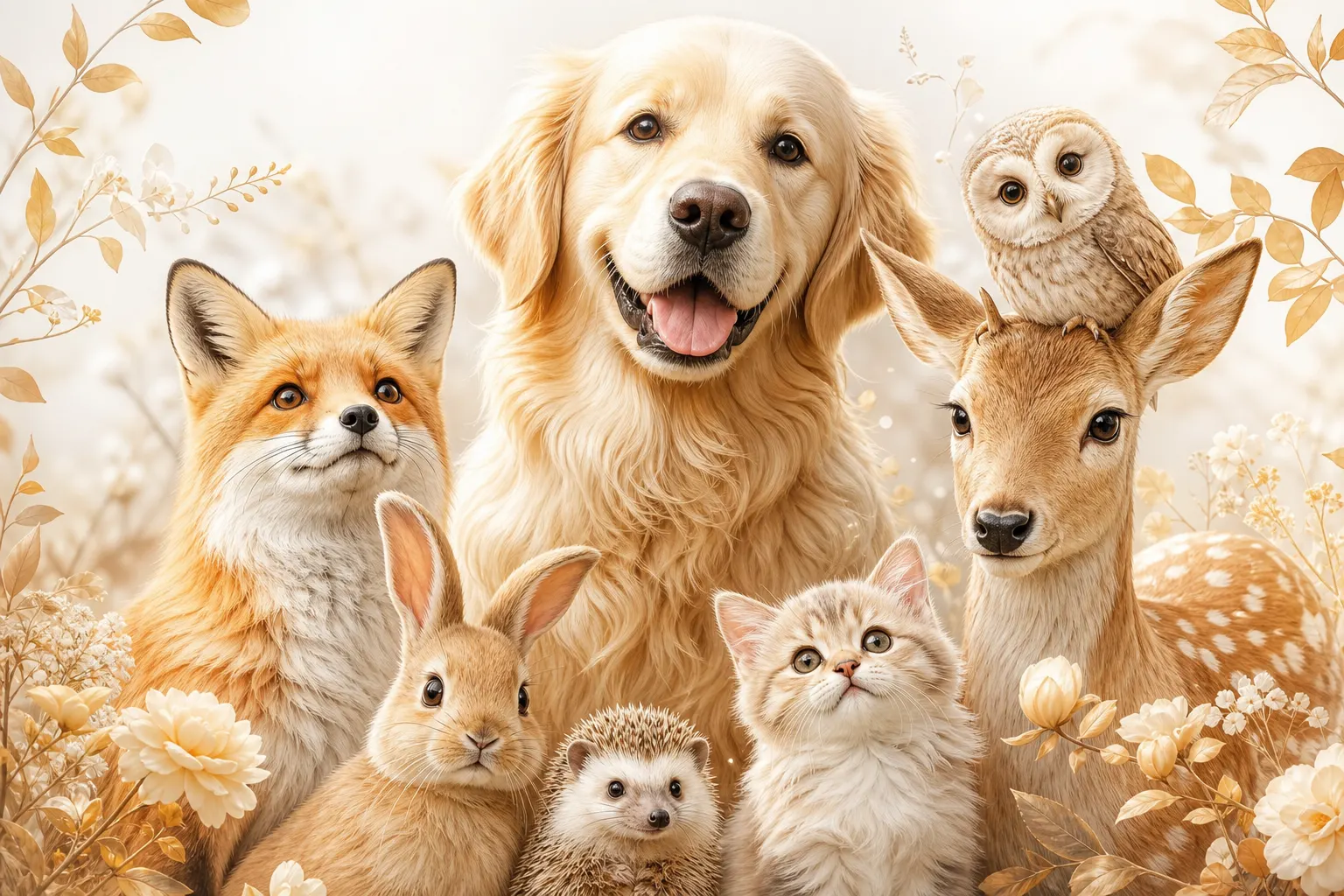
DescribeImage product preview showing the AI prompt output for a creative reference image.

Description example

For content, accessibility, and editorial use

Generated output

Detailed Description·English

Keyword focus: ai image description generator

Adjust the controls and generate a new result.

The image is organized around a clear visual subject, with supporting details that make it useful for accessibility, search snippets, and content production.

Adjust the controls and generate a new result.

Generate detailed image descriptions online

An AI image description generator is useful when a team needs more context than a short alt attribute can provide. DescribeImage can summarize the main subject, setting, composition, lighting, visible objects, and notable details in readable prose. That makes it helpful for editorial notes, product review, design handoff, documentation, accessibility support, and creative planning. The output gives humans a clear text version of the image before it is reused in another workflow.

Descriptions for screenshots, photos, and prompts

Different images need different kinds of description. A screenshot may need visible interface labels and layout context. A product photo may need material, angle, color, and scene details. A creative reference may need lighting, camera angle, subject pose, and style cues that can become an AI prompt. The output mode lets you switch between detailed description, caption, alt text, and prompt formats without rebuilding the request from scratch.

Review the output before publishing

Generated image descriptions are drafts, not final editorial truth. Before publishing, check whether the description overstates details, misses a key object, or needs brand-specific language. Add context that is important to the page but not visible in the image, and remove anything that could confuse readers. This review step keeps descriptions useful for search, accessibility, internal documentation, and content teams that rely on accurate visual summaries.

How it helps

Focused on detailed descriptions

Turn images into richer visual context for editorial review, documentation, accessibility support, and creative workflows.

How it helps

Turn images into richer visual context for editorial review, documentation, accessibility support, and creative workflows.

Capture the subject, setting, composition, lighting, and notable details in readable prose.

Product Feature OneProduct Feature One

FAQ

Questions about detailed descriptions

LogoDescribeImage

Free AI image descriptions for alt text, SEO, captions, accessibility, and prompt workflows.

Product
  • AI Image Describer
  • Alt Text Generator
  • Image Description Generator
Resources
  • Use Cases
  • Pricing
  • FAQ
  • Contact
Legal
  • Cookie Policy
  • Privacy Policy
  • Terms of Service
© 2026 DescribeImage. All Rights Reserved.